

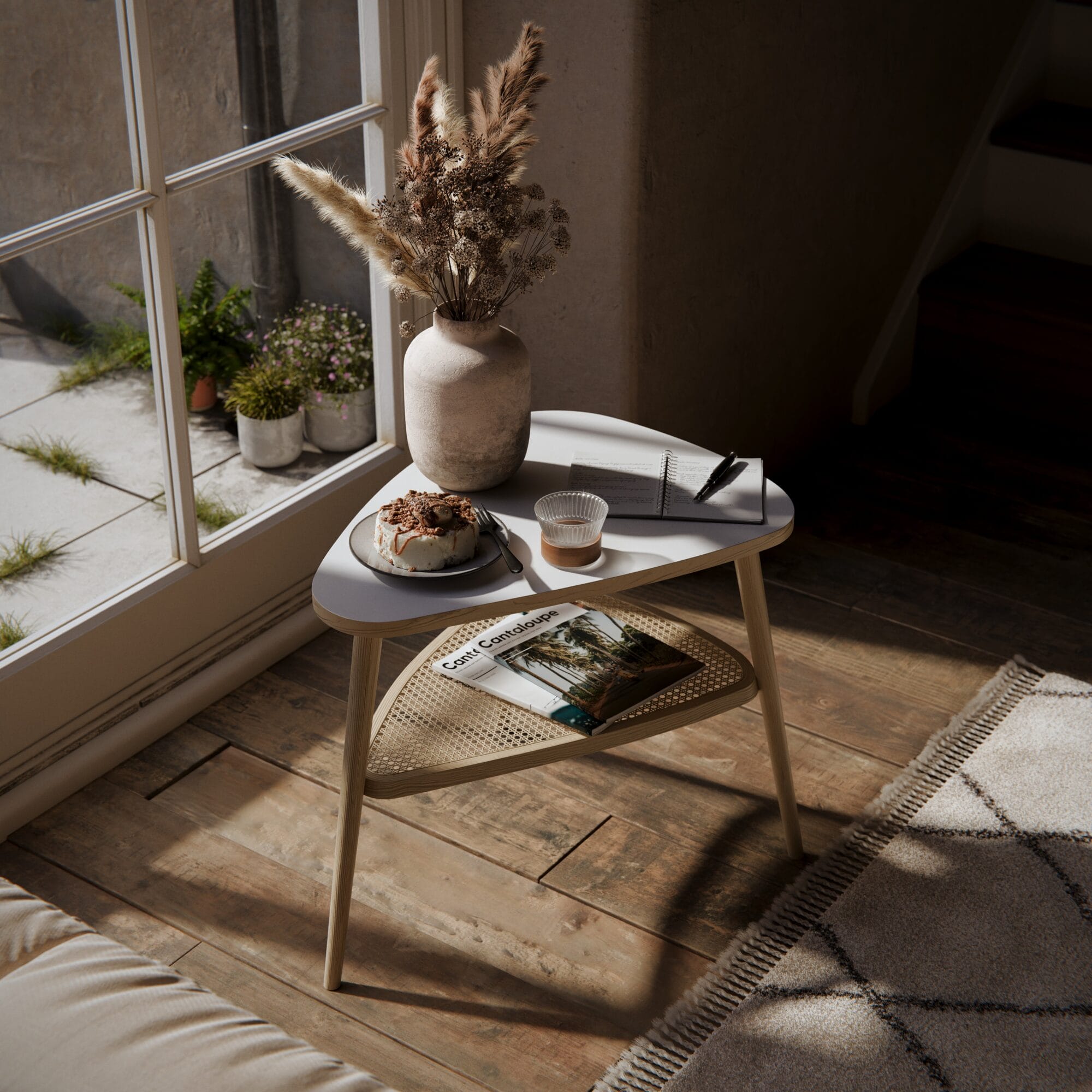
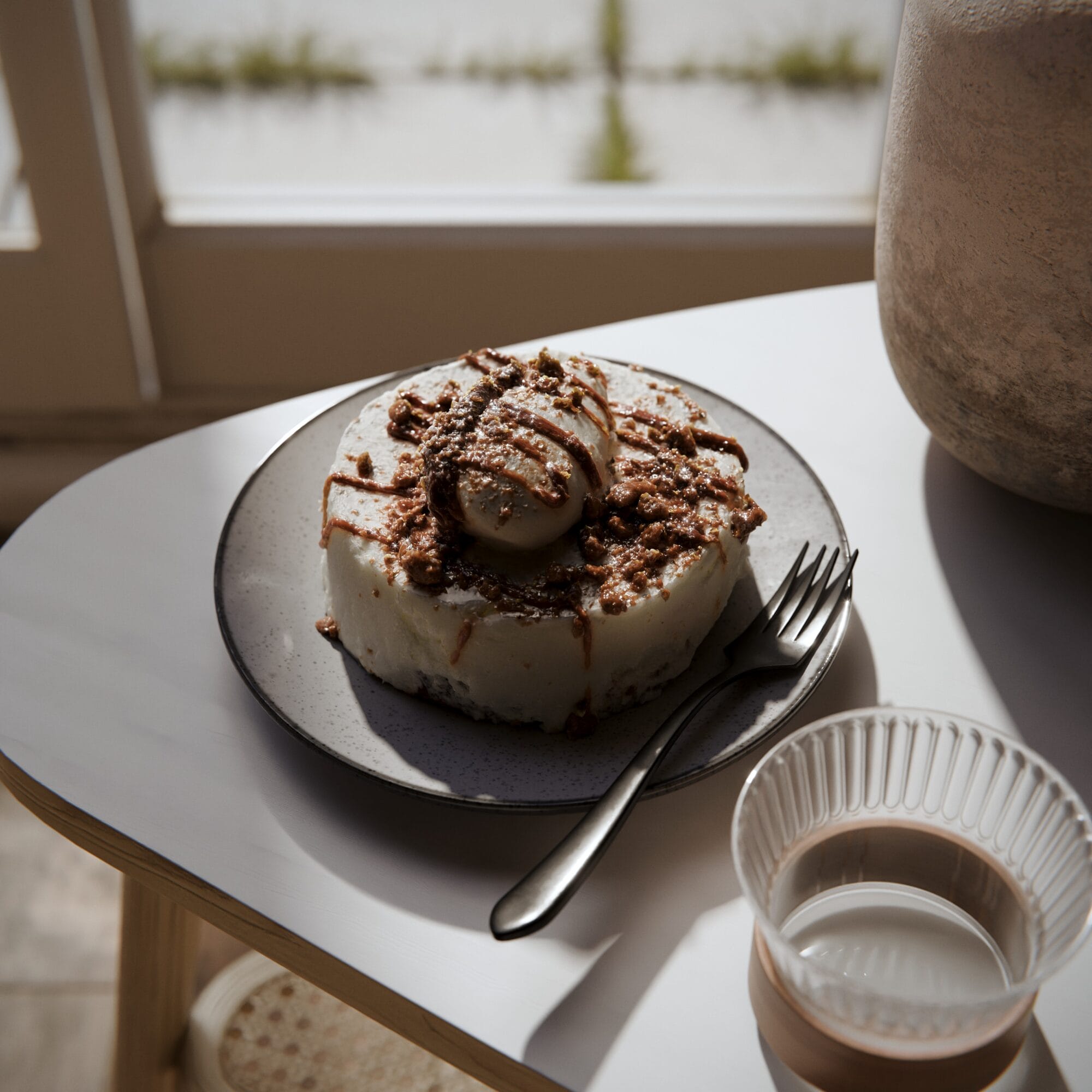
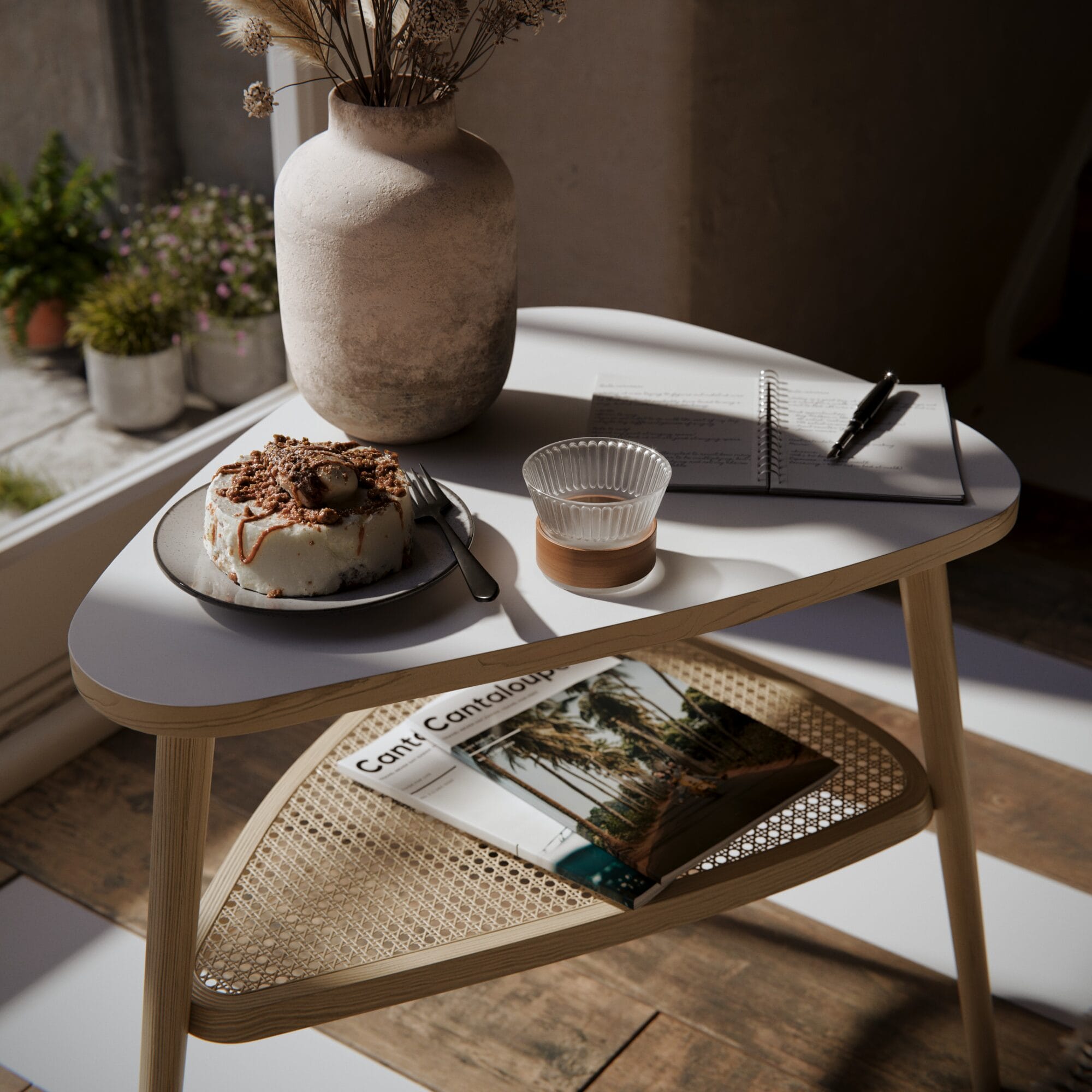
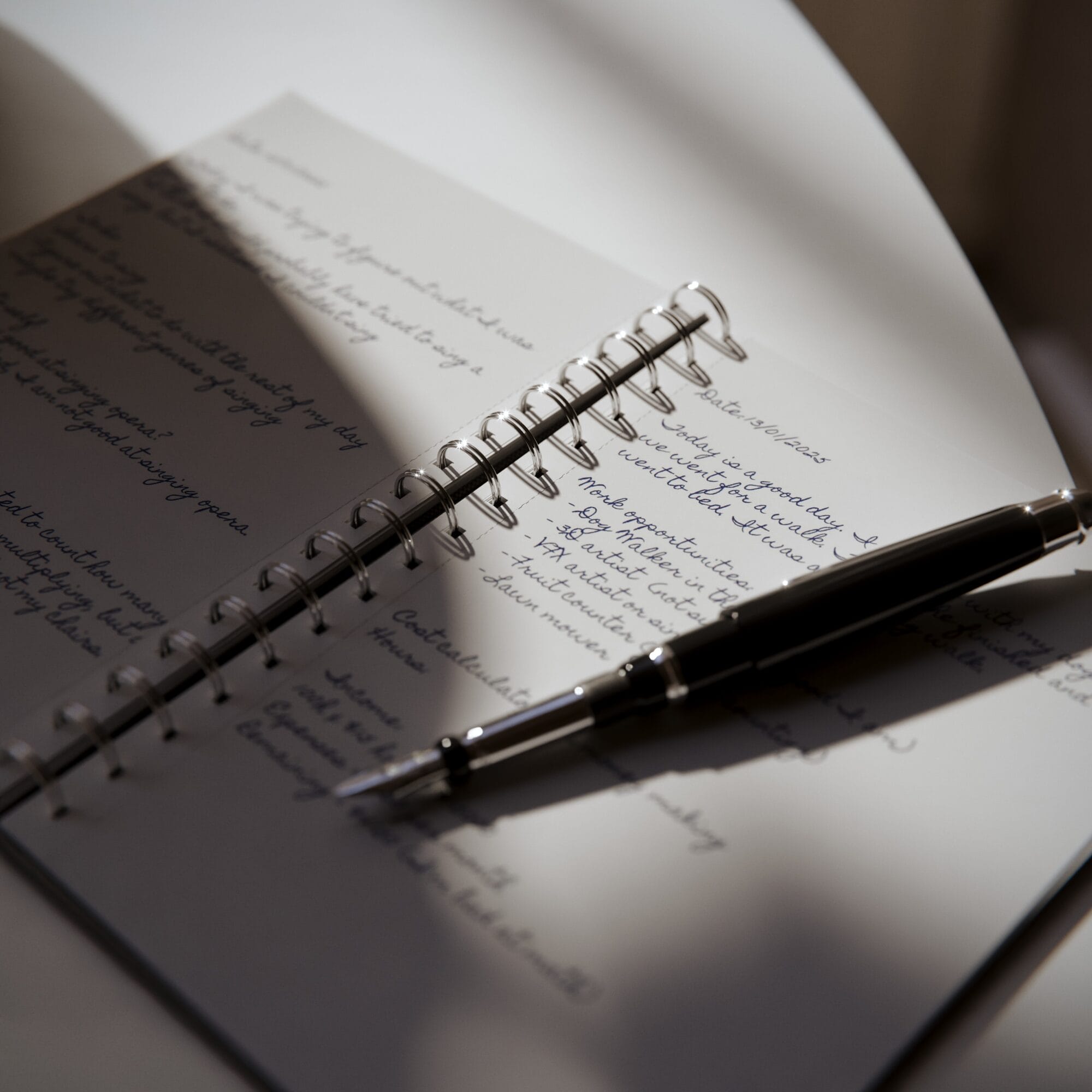
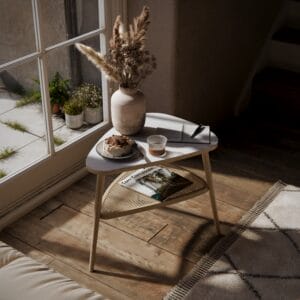

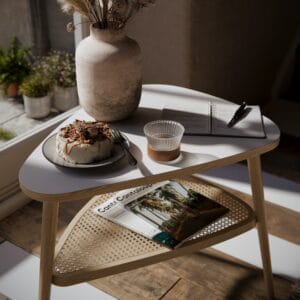
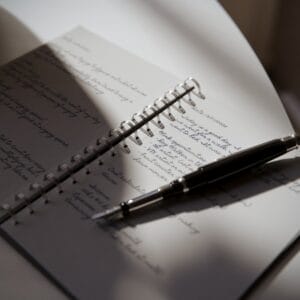
Welcome to this iMeshh scene
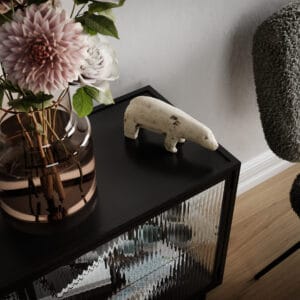
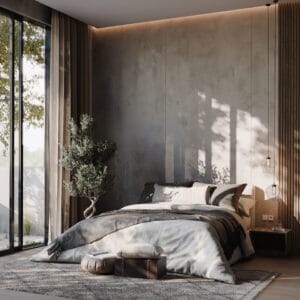
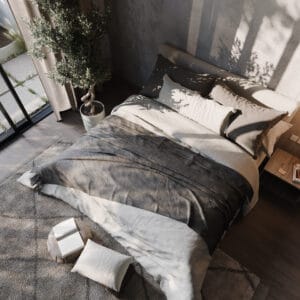
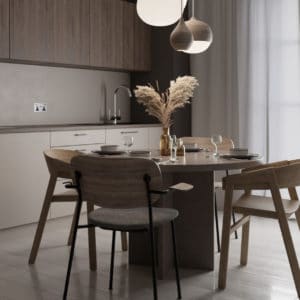
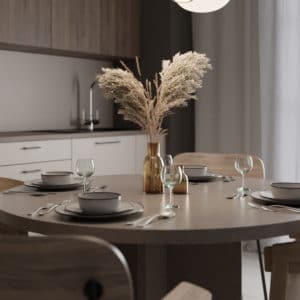
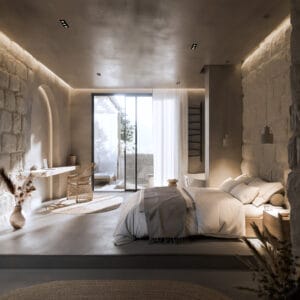
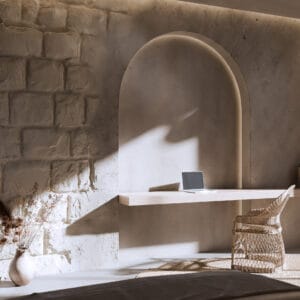
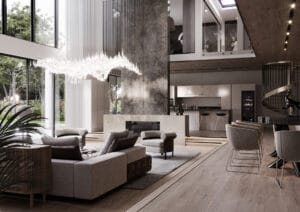
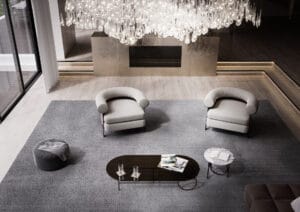
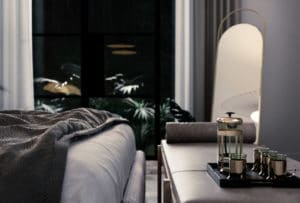
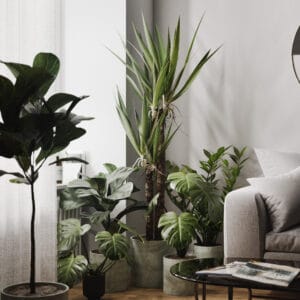
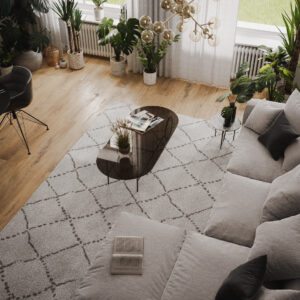
This scene is designed to showcase how simple lighting setups can create something dynamic and visually interesting.
It includes our first example of compositor nodes. The scene may initially render looking unusual, but the final image will be corrected through the compositor. This setup provides some simple fine-tuning adjustments to your renders.
Scene Requirements
This scene is recommended for systems with a 12 GB GPU.
If you experience memory issues, use Simplify to reduce VRAM usage by lowering the texture size and increasing the Subdivision Dicing Rate (search “Dicing” in the Properties Editor).
This scene is also set up to render an animation. It’s recommended to enable Clamping.
The Noise Threshold has been disabled to test DaVinci Resolve’s Temporal Denoising.
If you’re using DaVinci Resolve, turn off the Denoising Node, keep the Noise Threshold disabled, and render a few animation frames to test performance. We were impressed with the results!
 Blender




Reviews
There are no reviews yet.